ChatGPT Images 2.5 AI Image Generator and Photo Editor
ChatGPT Images 2.5
Generate It, Then Change One Thing
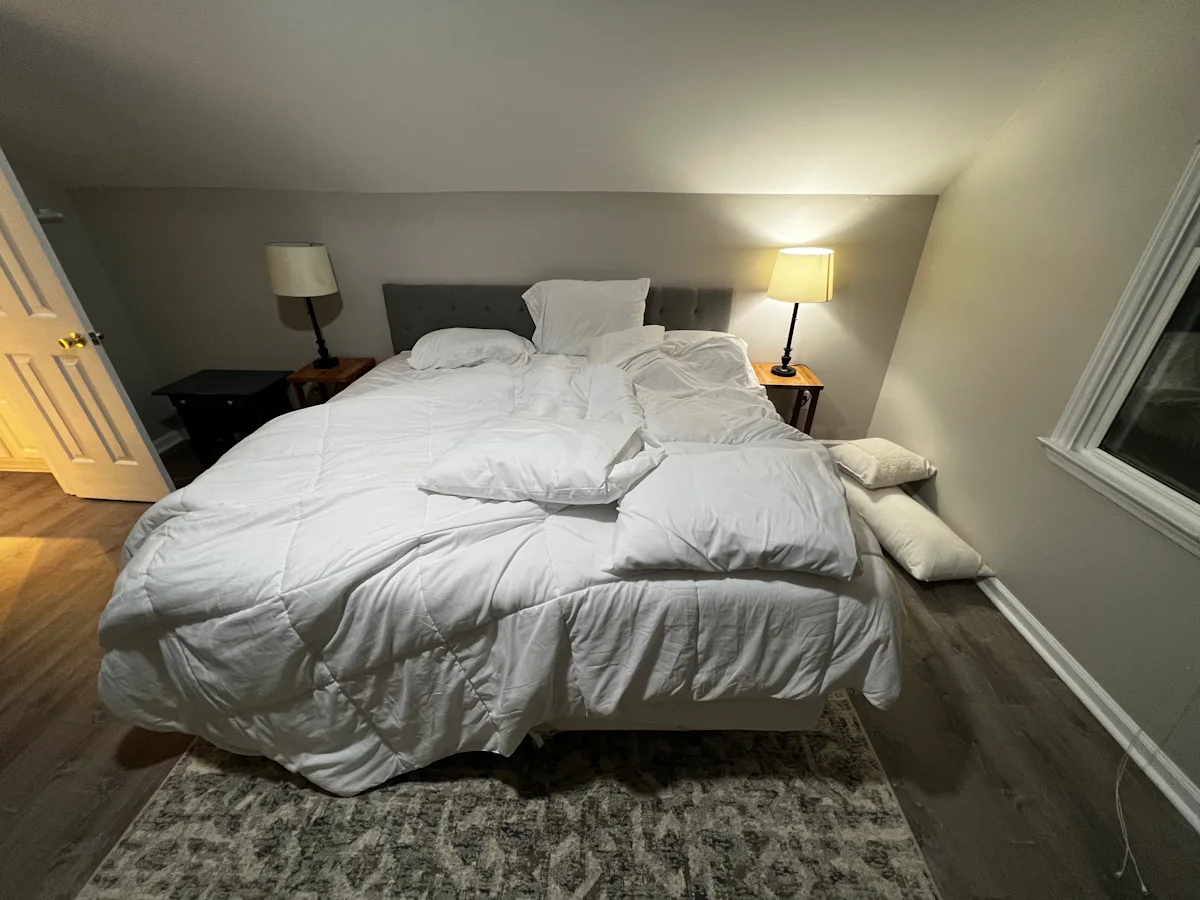
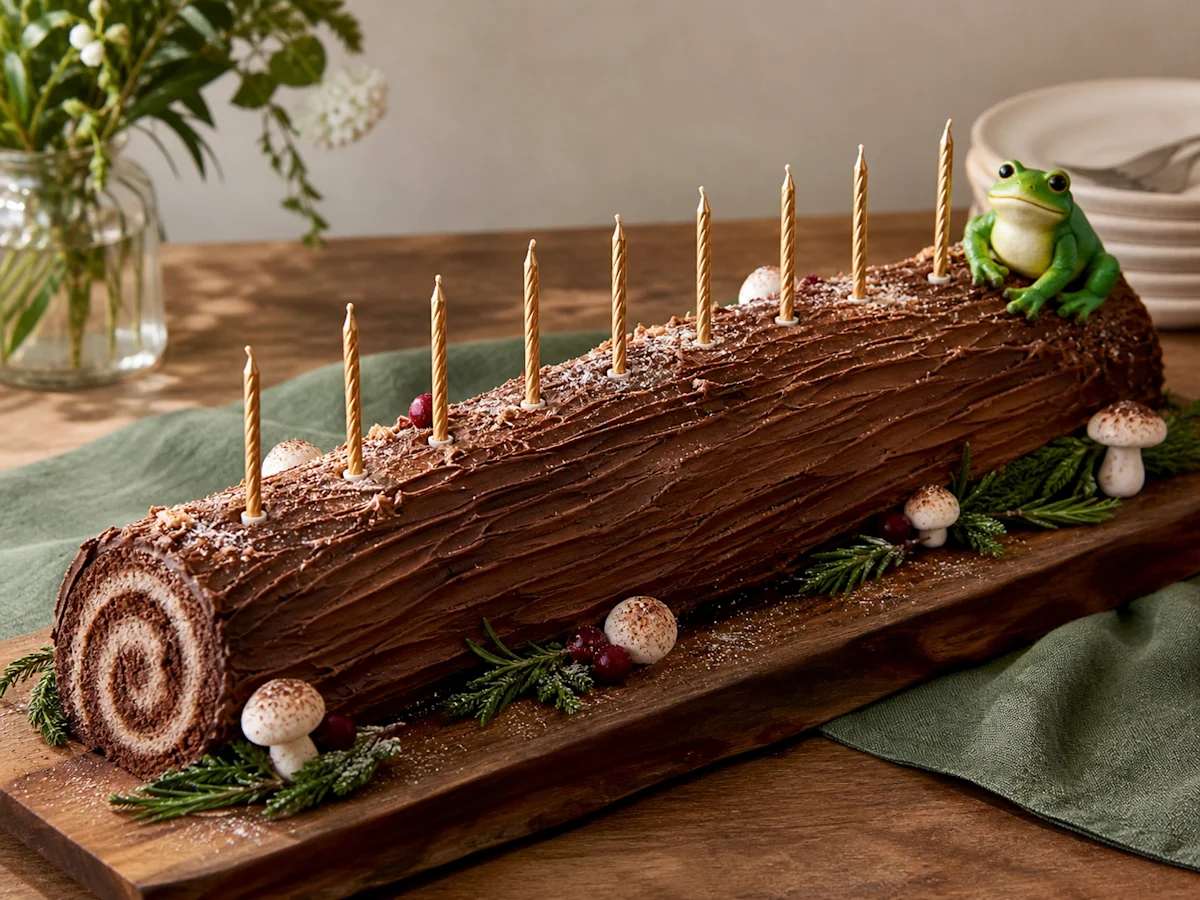
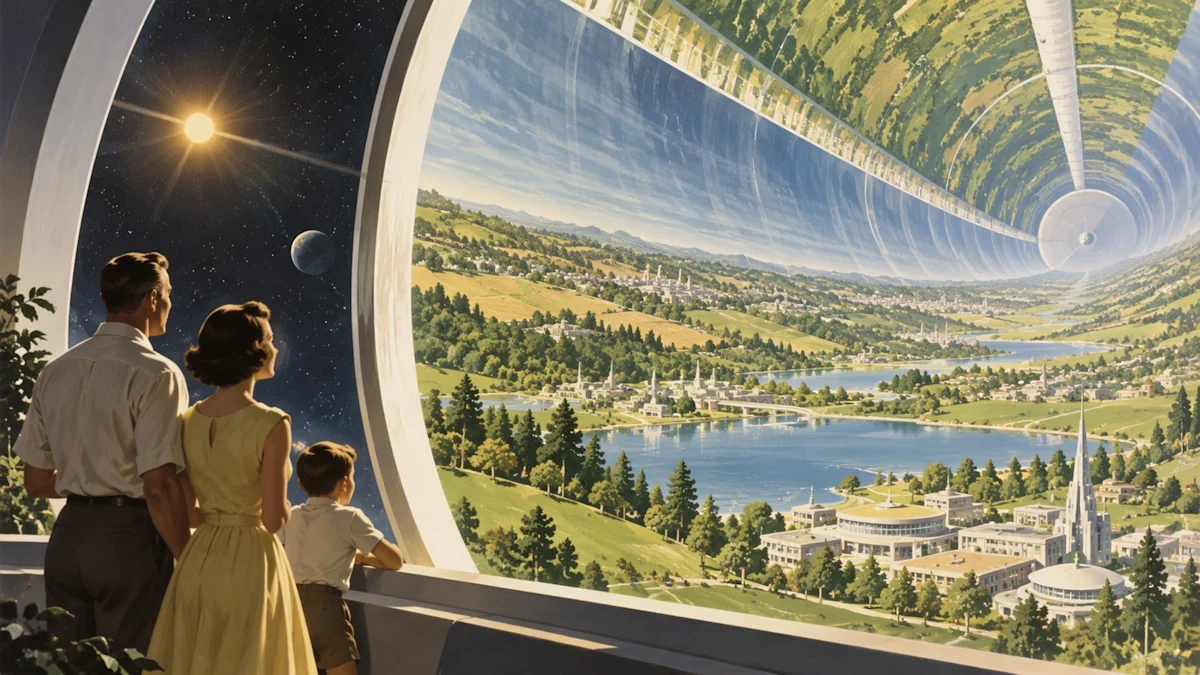
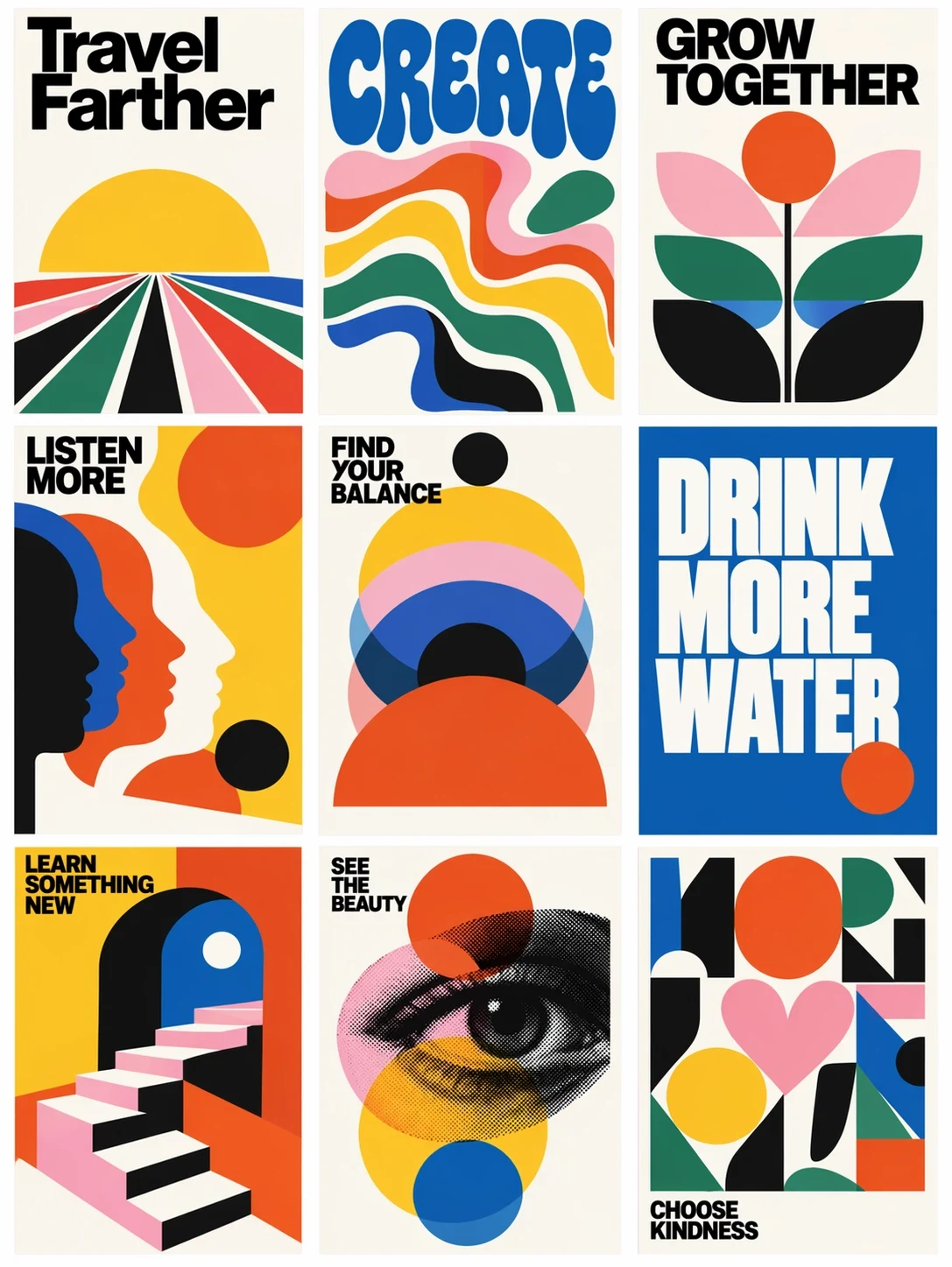
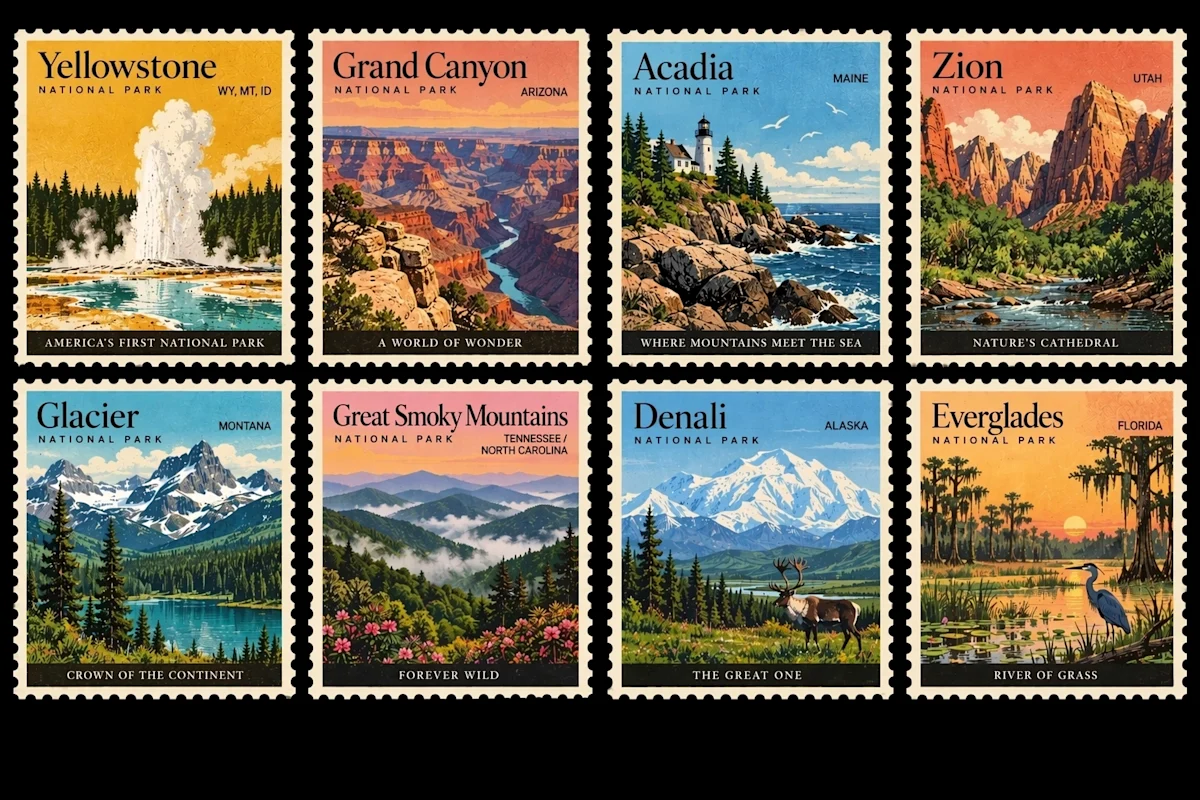
Powered by OpenAI GPT Image 2.5 — Flare & Sunburst. Describe an image and GPT Image 2.5 makes it. Add a reference photo and it edits only what you asked for — the subject, lighting and composition around it stay put.
DISCLAIMERimages25.com runs OpenAI’s GPT Image 2.5.
We are an independent product and not affiliated with OpenAI.
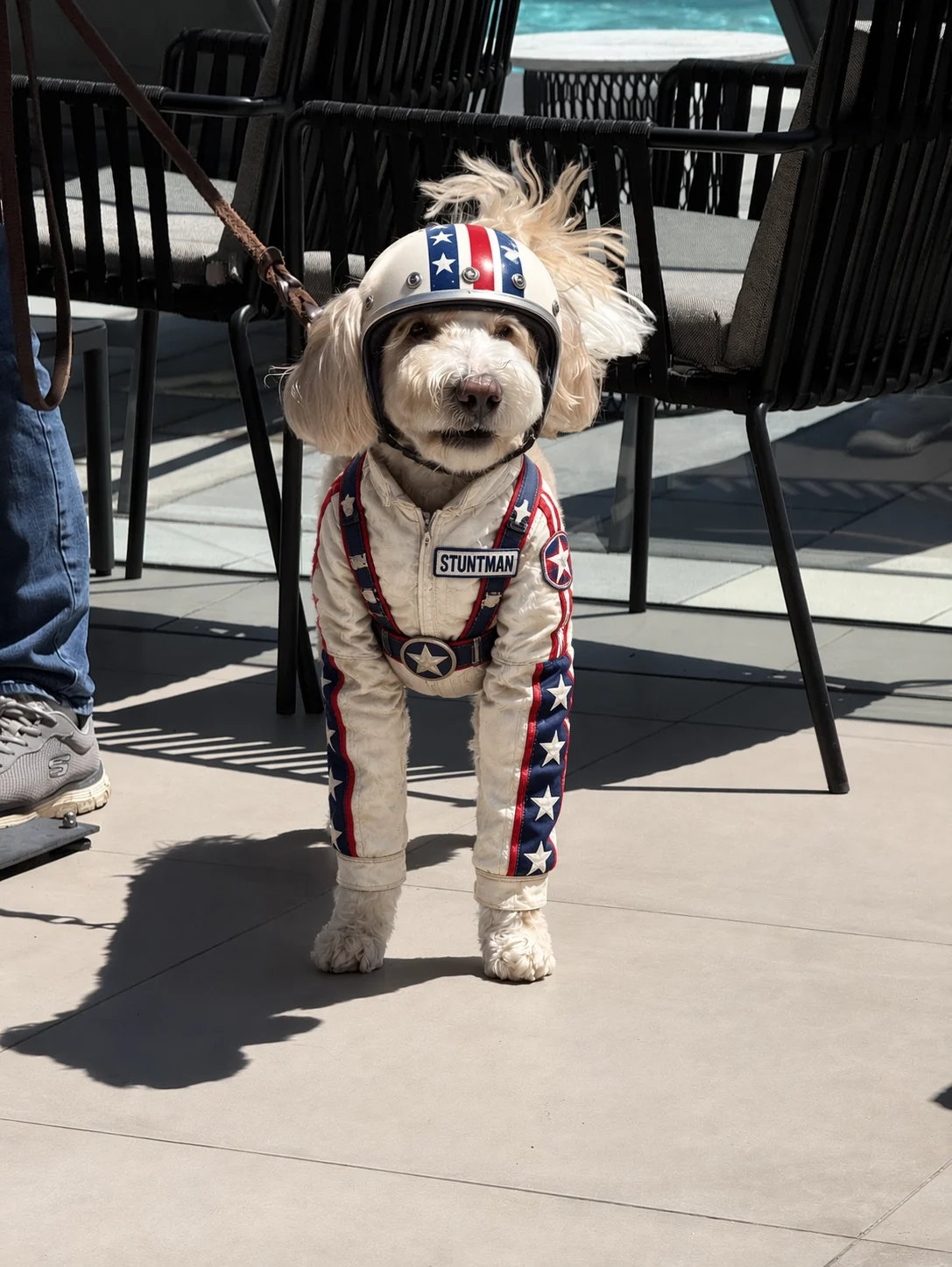
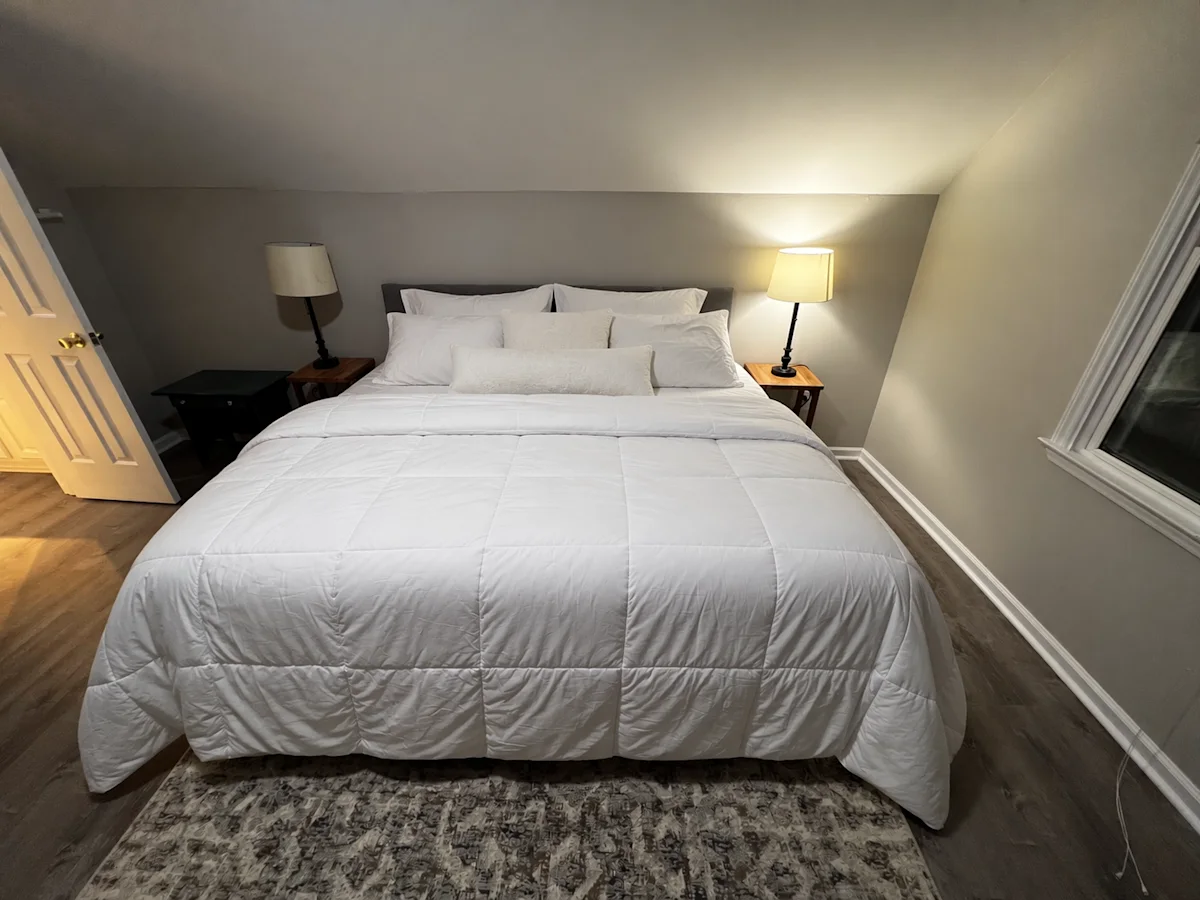
Sample images and video are OpenAI’s official ChatGPT Images 2.5 launch assets, shown for illustration.
What Actually Changed in ChatGPT Images 2.5
1IMAGE FIDELITY
Your Reference, Recognisably
GPT Image 2.5 is better at working from reference photos to carry a familiar subject into new settings and styles. Subjects look more recognisable and distinctive features are more likely to survive the trip.
Edit one element — a product, a background, a line of copy — while the subject, composition, and everything around it stay exactly as they were, even on complex scenes.
Better at understanding complex visual instructions and reflecting a named style. Real-world content comes out more accurate, and layouts stay coherent instead of drifting as the brief gets more specific.
Sign in with Google · Plans from $8.33 a month, or buy credits once
Create Production Images in 3 Steps
1
Describe Your Vision
Write a detailed prompt in natural language. Be specific about subjects, lighting, composition, type, and style. Think like a Creative Director.
2
Choose Size & Generate
Pick Flare or Sunburst, an aspect ratio, and 1K or 2K. Images25 runs OpenAI’s gpt-image-2.5 through a focused workspace — no chat tab-switching.
3
Edit, Refine & Export
Upload a reference, describe the change, and download full-resolution files — we add no visible watermark of our own. Iterate in plain language instead of re-rolling from scratch.
Why The Edits Hold Up
Why ChatGPT Images 2.5 Survives the Second Edit
ChatGPT Images 2.5 is OpenAI’s newest image model, released September 8, 2026. It renders light and texture more believably, holds onto the subject in your reference photo, and follows editing instructions across multiple turns — so the third revision still looks like the first.
Your Reference Survives the Trip
Better preservation of the subjects in your reference photos — the same person, pet, or product comes out the other side still recognisable.
Edits That Stay In Their Lane
GPT Image 2.5 is better at editing only what you asked for, keeping the rest of the details the same — even on complex subjects and backgrounds.
Instructions That Stick Across Turns
Earlier changes stay consistent as the thread gets longer, and quality does not degrade the way it did over repeated 2.0 edits.
Style You Named, Style You Get
Better at reflecting a requested visual direction and holding composition together as the brief becomes more specific.
One Reference Photo, Rewritten
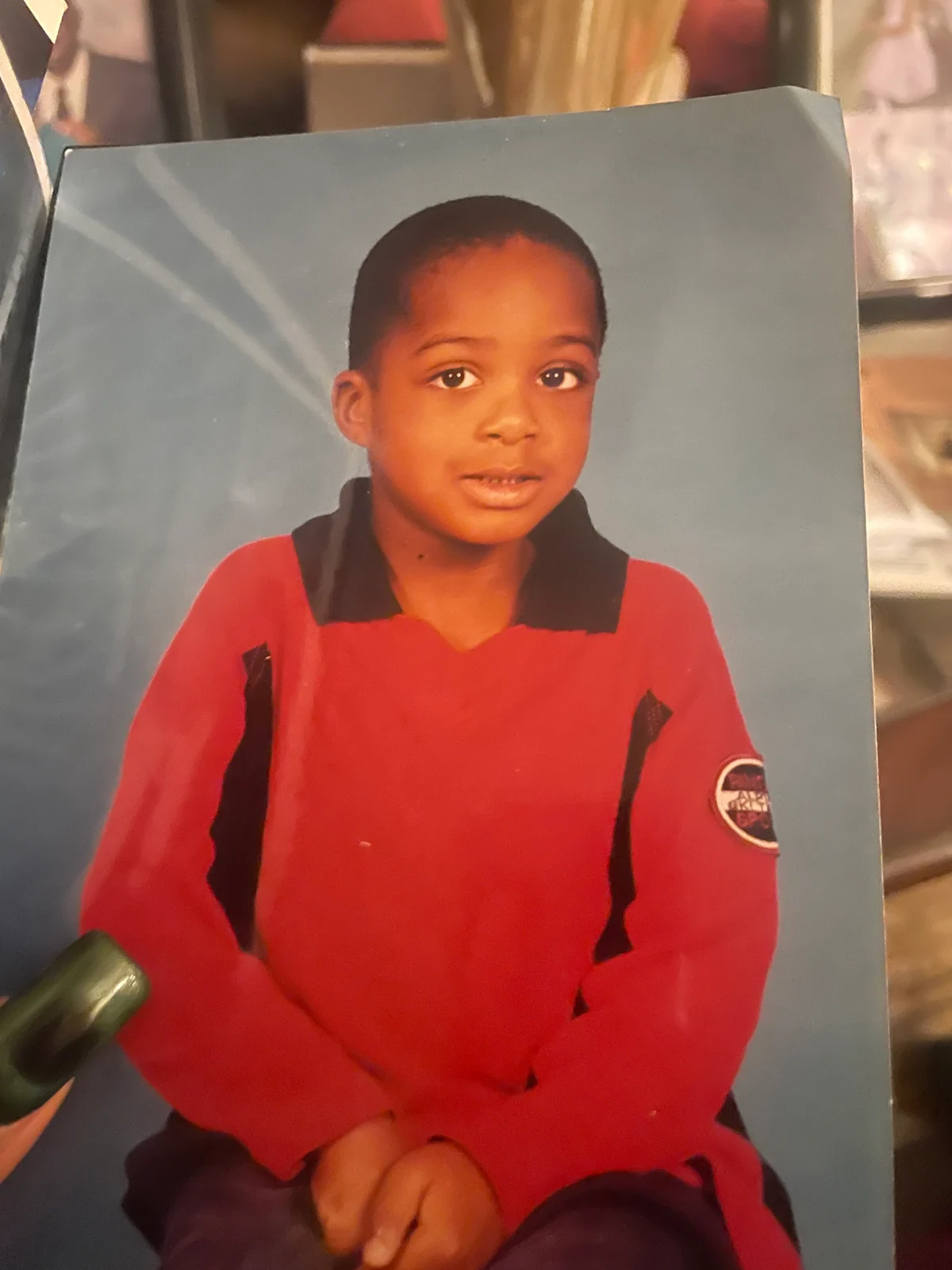
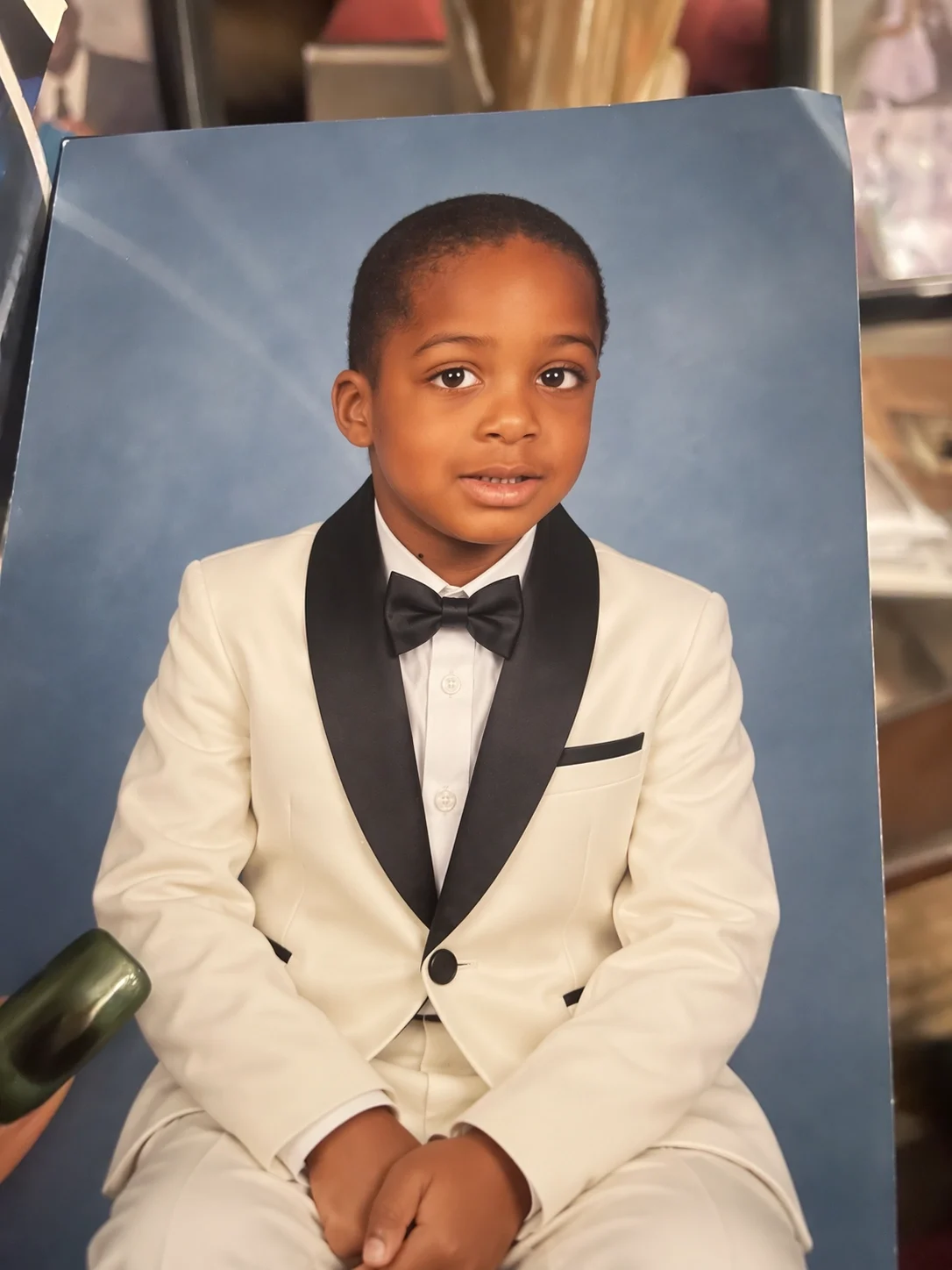
The reference you upload
A photo of a printed studio portrait — the kind of imperfect source people actually have, not a clean studio file.
What GPT Image 2.5 returns
New outfit, same child, same pose, same blue background. That gap — changing what was asked and nothing else — is the 2.5 upgrade in one frame.
What Makes ChatGPT Images 2.5 Different
Natural Lighting
More believable light and shadow behaviour than ChatGPT Images 2.0 — the single most visible upgrade in this release.
Richer Textures
Surface detail holds up under scrutiny: fabric, skin, metal, and print read as their own materials.
Subject Preservation
Reference photos keep their subject through generation and editing, instead of drifting into a lookalike.
Multi-Turn Editing
Editing instructions are followed more reliably turn after turn, so a long revision thread stays coherent.
Up to 50% Faster
Generation latency cut by as much as half versus ChatGPT Images 2.0, carried into Flare here.
Two Models, One Switch
Flare for speed, Sunburst for precision — chosen per prompt on the same screen, no re-setup.
Transparent Backgrounds
Handles more complex layouts, including transparent backgrounds — usable as a layer instead of a flat rectangle.
Edits Only What You Named
Change one product, background, or line of copy while the subject, composition, and brand treatment around it stay put.
Built for Creators, Marketers, and Teams
Marketing & Advertising
Campaign visuals where the lighting has to look shot rather than generated — then reformatted for each placement.
Portrait & Character Work
Put a reference subject into new scenes and keep them recognisable across the whole set.
Product Design & Visualization
Product stills, lifestyle mockups, and packaging drafts where material texture is the difference between draft and usable.
Iterative Art Direction
Long revision threads — change the light, keep the subject, adjust the crop — without losing what already worked.
GPT Image 2.5 vs GPT Image 2
GPT Image 2.5 Flare
GPT Image 2.5 Sunburst
GPT Image 2
Lighting & texture
2.5 generation
2.5 generation
Previous generation
Reference subject fidelity
Improved
Improved
Baseline
Multi-turn edit reliability
Improved
Improved
Baseline
Generation speed
Up to 50% faster
Longer by design
Baseline
Best for
Everyday iteration
Detailed creative work
—
Get More Out of ChatGPT Images 2.5 with Better Prompts
Name the Light
Lighting is where 2.5 pulls ahead, so spend your words there: “late afternoon window light from camera left, soft falloff, no fill.”
Give It a Reference to Protect
Upload the face, product, or object you need kept, then describe only the scene around it. Subject preservation is what this model is built for.
Edit, Don’t Re-roll
If an image is 80% right, say “keep the subject and framing, change the light to golden hour.” Instructions now hold across turns.
Two Models. Pick Speed or Precision.
GPT Image 2.5 Flare
OpenAI’s default choice for most applications: higher-quality images than GPT Image 2 at 50% lower latency. Suited to creator and social content, product experiences, and rapid prototyping. Default on Images25.
GPT Image 2.5 Sunburst
Built for premium visual workflows that benefit from tighter control across edits — production-ready campaign creative or polished product imagery. Slower by design.
What Stays Inside ChatGPT
Sketch, Templates, and comment-on-image editing shipped as ChatGPT app features, not API capabilities — so they live in ChatGPT, not here. Images25 gives you the models themselves: generate, edit with a reference, and download at full resolution with no visible watermark of ours.
Pick a Plan Sized to How Much You Generate
Credits are the only thing that changes between plans: same two models, same sizes, same licence. Pay by card, billed in USD.
Basic
For occasional projects and trying the model properly
$29.9/month
$17.92/month
$215/year billed yearly
40% OFF · Save $143.8
100 credits ≈ $2.24
800 credits every month (≈ 266 Flare or 80 Sunburst images at 1K)
Yearly: 9,600 credits for the year, delivered up front
GPT Image 2.5 Flare and Sunburst
Text-to-image and reference-image editing
1K and 2K output, ratios from 1:1 to 21:9
Commercial use of your images
Email support
POPULAR
Essential
For creators and marketers who generate every week
$49.9/month
$30/month
$360/year billed yearly
40% OFF · Save $238.8
100 credits ≈ $1.67
1,800 credits every month (≈ 600 Flare or 180 Sunburst images at 1K)
Yearly: 21,600 credits for the year, delivered up front
GPT Image 2.5 Flare and Sunburst
Text-to-image and reference-image editing
1K and 2K output, ratios from 1:1 to 21:9
Commercial use of your images
Email support
BEST VALUE
Growth
For studios and teams that render at volume
$99.9/month
$49.92/month
$599/year billed yearly
50% OFF · Save $599.8
100 credits ≈ $1.25
4,000 credits every month (≈ 1,333 Flare or 400 Sunburst images at 1K)
Yearly: 48,000 credits for the year, delivered up front
GPT Image 2.5 Flare and Sunburst
Text-to-image and reference-image editing
1K and 2K output, ratios from 1:1 to 21:9
Commercial use of your images
Email support
Every image costs credits, shown next to the generate button before you run it: a Flare image is 3 credits at 1K or 5 at 2K, a Sunburst image 10 at 1K or 20 at 2K. All prices in USD.
The September 8, 2026 launch, what Flare and Sunburst each do, what lives in ChatGPT versus the API, and how Images25 runs them.
ChatGPT Images 2.5 is OpenAI’s newest image model, released September 8, 2026. It produces more natural lighting and richer textures, is better at preserving the subjects in your reference photos, and follows editing instructions more reliably across multiple turns. OpenAI also cut generation latency by up to 50% compared with ChatGPT Images 2.0.
Edit Your First Photo with ChatGPT Images 2.5
OpenAI’s newest image model, in one focused workspace. Pick a plan and start generating.
 IMAGES25
 Reference photo1 / 4